Your GX-100 as a rack on your screen
GX Board shows every sound as a row of devices. Each effect has a front of its own, with all its knobs, its full name and a screen that draws what you turn. You drag, turn and listen. The GX-100 follows at once.
- 82
- devices
- 10
- kinds
- 52
- with a screen
- 0
- lists to scroll through
See what you turn
The GX-100 can do a lot, but a small screen shows one piece at a time. GX Board lays it all out side by side.
Full names
No abbreviations to guess at. Every effect carries its full name.
Everything on the front
Every setting of an effect is on its device. No pages to step through, no dropdowns. Every choice is a button of its own.
Search
Type chorus, echo or fuzz and there it is. You search by name or by kind.
Your whole screen
The rack fills your window, on an ultrawide display too. Where there is room to spare, the controls grow.
Turn, drag, listen
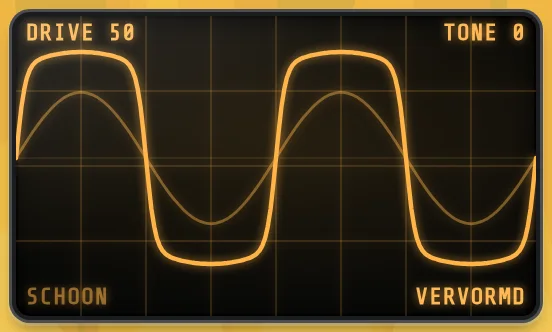
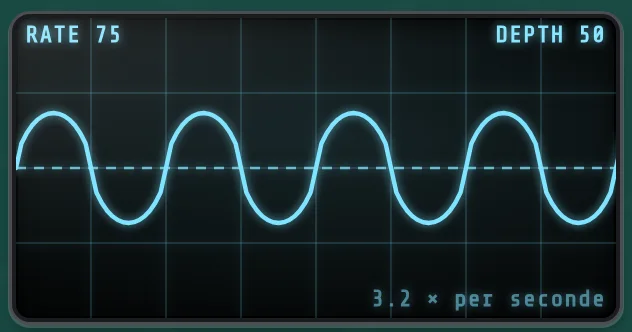
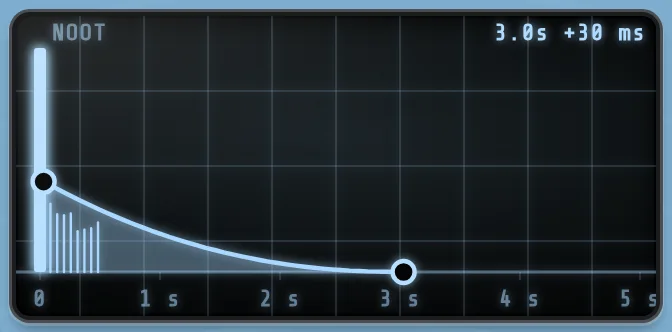
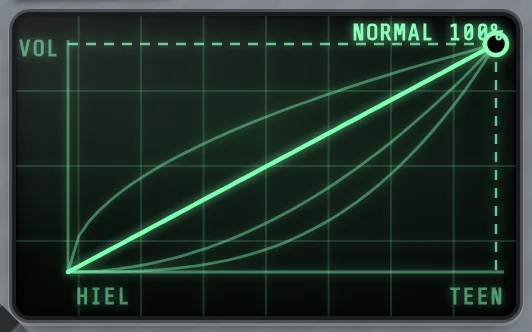
Screens that draw what you turn
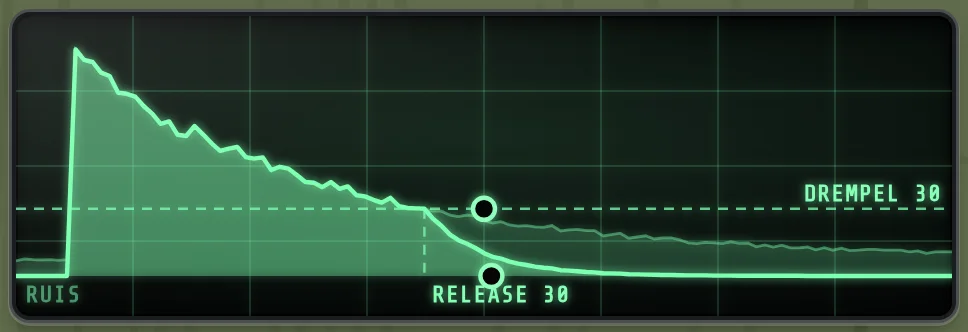
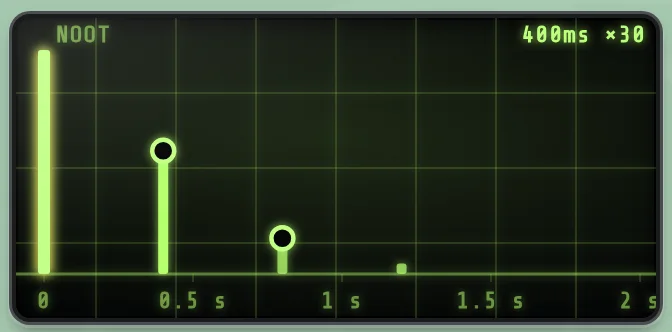
Turn the threshold of the noise suppressor and you see where the sound closes. Set the echo to 380 milliseconds and its repeats stand on a timeline of two seconds.
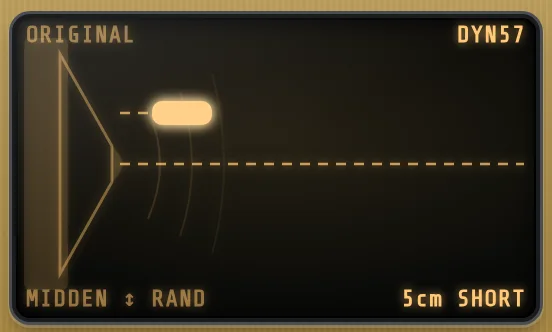
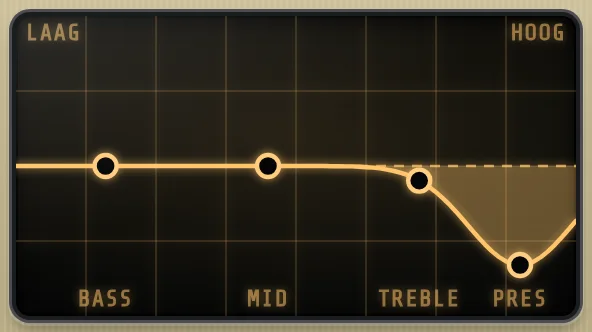
You can drag inside the screen as well. Take the microphone and move it away from the speaker. Take a point of the tone controls and pull it up.
52 of the 82 devices have a screen. If you want motion, such as a line that crosses the echo in real time, you switch it on yourself.
Build your sound by dragging
On the right are all effects as small devices, by kind. Drag one to the rack and an orange bar shows where it will land. You hear it as soon as it is in.
- Drag a device by its six dots to change the order.
- Click ✕ and then WEG? ("gone?") to take one out.
- When an effect no longer fits, it is greyed out and GX Board says why.
Every choice a button
Twenty-three amplifiers, thirty choices for the speaker cabinet, nine for the microphone. They are all there, each with a drawing: a cabinet with four speakers looks like a cabinet with four speakers.
One click and you hear the difference. Nowhere a list to step through with arrows.
Fold it away and keep what matters
Fold an effect down to a narrow strip and you keep room for the rest. While the effect is on, its main controls stay on the strip. You turn them like the large ones.
You switch an effect off with its AAN ("on") button. Folding is a separate thing. GX Board remembers per sound what you had folded.
Saving without accidents
Nothing is stored until you click OPSLAAN ("save"). You then first see which sound you are about to overwrite, by name. Only after that does GX Board write.
- The lamp NIET OPGESLAGEN ("not saved") is lit while your sound differs from what is stored on the GX-100.
- If you switch sounds while something has changed, GX Board asks first.
- Double-click a control and it goes back to the value of the stored sound.
All your sounds in one list
Your 200 user sounds and the 100 presets are on the left, by name. Search by name or by number. The arrows next to the number step to the previous or the next sound.
You rename a sound by clicking its name.
The unit and the screen stay in step
Turn a knob on the GX-100 and it turns on your screen. Move the expression pedal and its slider follows. Pull out the USB cable and GX Board connects again by itself once it is back in.
Drag a volume pedal or a wah into the rack and GX Board couples the expression pedal to it, so it works at once.
Two channels in view
When a sound has a split, you see which effects are in channel A and which in channel B. You turn every control as always.
Rebuilding the split itself is not possible yet. For now you do that on the GX-100.
All 82 effects, each explained
For every effect: what it does, how to use it, what each setting changes and a few starting points.
New to the GX-100?
The workbook takes you through fourteen chapters: connecting, getting around, setting an effect, amp and cab, saving, footswitches and pedal, the looper, recording.
Every step ends with something you hear or see. You tick off what you have done. The workbook is about the GX-100 itself and is there for everyone, with or without GX Board.
GX Board 0.1.0
For a Mac with an Apple chip and a BOSS GX-100 on a USB cable.
Download for Mac